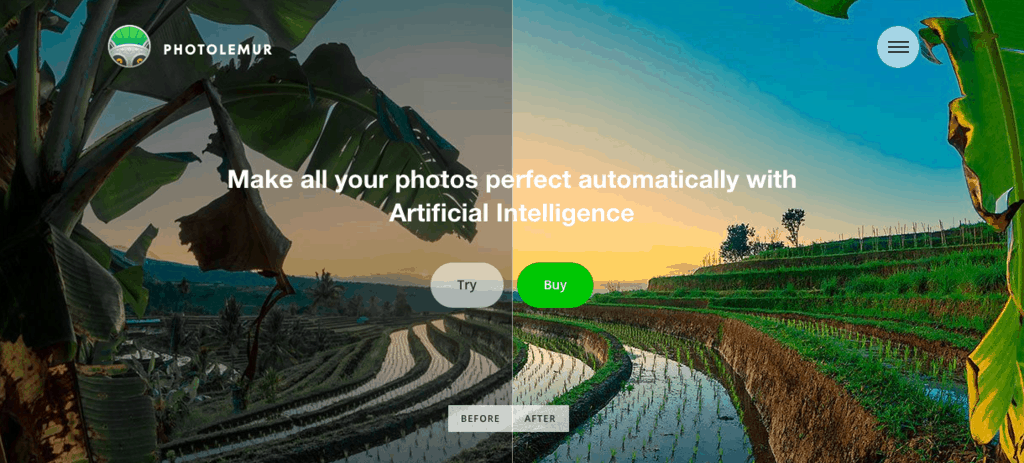
I ran across Photolemur while doing a search for some cool plugins. Once I opened their page, I had to have the software. What is Photolemur? It is intelligent editing software.
What does that mean? It means you do not have to do anything. The software does it all for you. All you have to do is install, drop your photos in the software and like magic they come out editing. What is great about this particular software, is that it works as stand alone software or as a Lightroom plug in.
It is really cool and it actually does a really nice job. It does not overdo the image, it just makes some really nice crisp adjustments and the results are awesome.
I have tried it in a handful of photos and it seems to work well all around. Below are the samples I used in the video. Let me know your thoughts, and if you are a user I’d like to know what you think about the software. I personally think is awesome, and for the price, you can’t beat it.
Clik on this link to download the software. All photos in this post were shot with my [thirstylink linkid=”17203″ linktext=”” class=”thirstylink” title=”this camera”] and with the awesome [thirstylink linkid=”17204″ linktext=”” class=”thirstylink” title=”this awesome lens”].
https://youtu.be/5ShxGN83kMg
[twenty20 img1=”17512″ img2=”17513″ offset=”0.5″]
[twenty20 img1=”17508″ img2=”17509″ offset=”0.5″]
[twenty20 img1=”17510″ img2=”17511″ offset=”0.5″]
Fine Art Photography Prints
Own a museum-quality archival print by Edin Chavez
Hahnemühle archival paper · From $95
BROWSE PRINTS LIMITED EDITIONS
Did you try the new version (3) of the software? It can enhance eyes and skin-tones too… I was offered a beta for a review ( https://www.sir-apfelot.de/photolemur-3-22497/ ) and I really like the new options. Just the price is a little high… but fortunalty I have a setapp-subscription, so I dont have to pay again. :D
I have not tried it yet. I have to give it a go and do a review on it. I hear good things about it :)