Yesterday I posted this photograph so if you’d like to find out the exact details about it go to yesterday’s post.
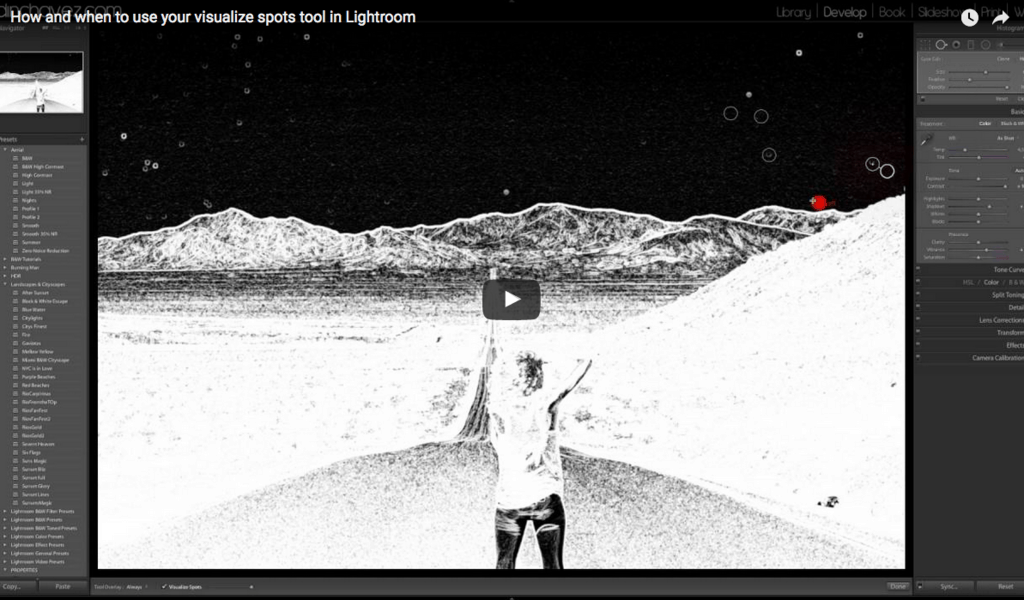
I created this video to show you how and when to use your visualize spots tool. This is a very important tool when it comes to removing sensor spots. I cannot emphasize enough how important it is to clean your sensor often and if you can’t do it yourself or take it in this is when this tool comes in really handy.
When I see people’s photos and they are really really nice but they have sensor spots it takes all the goodness away from a beautiful photo. It is important that when you spend so much time editing a photo you finish it off my cleaning all the sensor spots. A trained eye will always see these sensors spots first and immediately be turned off.
In this video I will show you how to take care of your sensor spots if you have any questions please leave them on the comments below and please subscribe to my YouTube channel for more awesome tutorials and cool videos.
https://www.youtube.com/watch?v=kpbMwGLoask
Fine Art Photography Prints
Own a museum-quality archival print by Edin Chavez
Hahnemühle archival paper · From $95
BROWSE PRINTS LIMITED EDITIONS