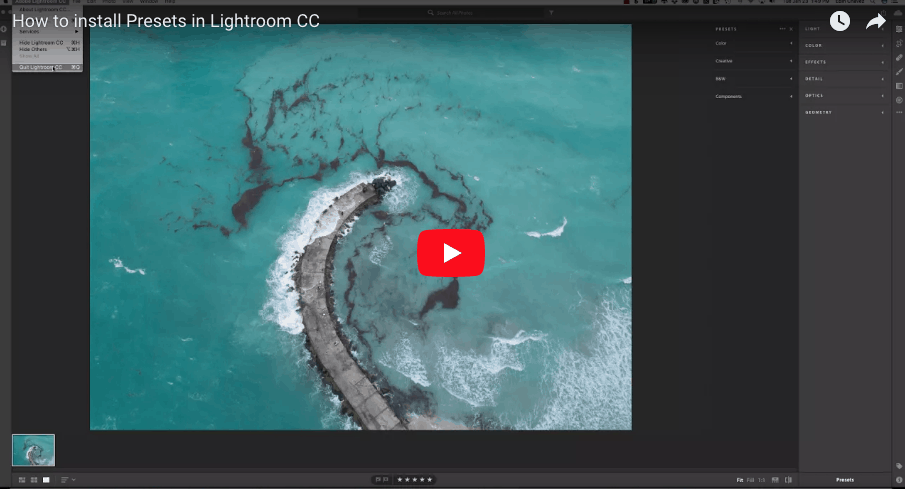
How to install Lightroom Presets. In this video, I will teach you how you can install Lightroom Presets in your old Lightroom and in Lightroom CC. People often ask me if they switch to Lightroom CC can they move their presets over, and the answer is YES. You can install old presets, new presets and any kind of prests in Lightroom CC. The beautiful thing about Adobe Lightroom is that they are always updating their software. However, they always think of us and of all the tools we use.
Ever since I have been using Lightroom Presets, I have never had an issue with installing them in their software. With the update to Lightroom CC, it is no different. The ease of use of Adobe Lightroom and the ease of installing the Lightroom Presets make it a no-brainer for me.

In this video, I will show you how you can do this very easily. The Presets I use in the video are my DJI Aerial Presets. In the second video, I will show you how to install Lightroom presets in any other Lightroom you might have. You can download more of my Lightroom Presets here.
How to install Lightroom presets in Lightroom CC
https://youtu.be/UgbYGtJUIQc
How to install presets in Lightroom
https://youtu.be/Z1-5K6dfWY4
Drop me a line below if this was helpful and share it with your friends. That’s the best way to say thank you.
Fine Art Photography Prints
Own a museum-quality archival print by Edin Chavez
Hahnemühle archival paper · From $95
BROWSE PRINTS LIMITED EDITIONS