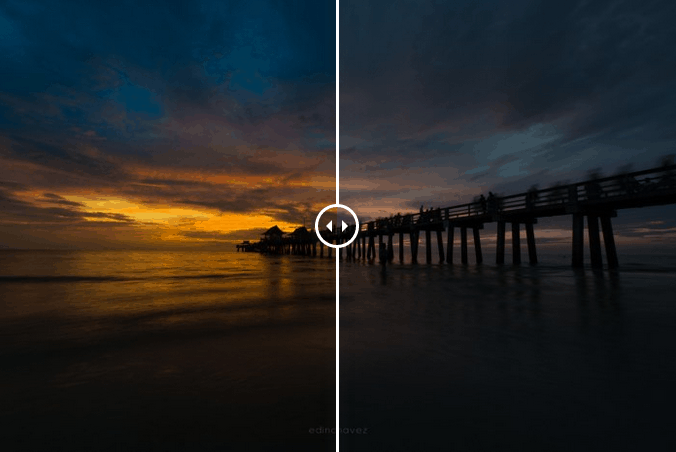
In this video, I show you how you can take a flat image into Lightroom and make it pop. By playing with a couple local adjustments and by using the sliders in the basic panel, you can make any image come to life.
I shot this image underexposed on purpose, only because I knew exactly what I was going to do with it in post. I wanted to create drama, not that I need to as the landscape lent itself to such dramatic light.
Lightroom is great in this way, you have so much control over your RAW file you can bring out the colors just as you saw them and create drama just like you have it in your head.
I shot this with my Nikon D800 and my Nikon 14-24mm lens. Drop me a comment below, I’d love to hear your thoughts. Do you ever use local adjustments?
https://youtu.be/5qRVPzPFscc
[twenty20 img1=”17747″ img2=”17746″ offset=”0.5″]
Fine Art Photography Prints
Own a museum-quality archival print by Edin Chavez
Hahnemühle archival paper · From $95
BROWSE PRINTS LIMITED EDITIONS